

Wallpapers

Wallpaper 01
Le Réveil, ecru

Wallpaper 02
Call Time, ink

Wallpaper 03
Early is on time
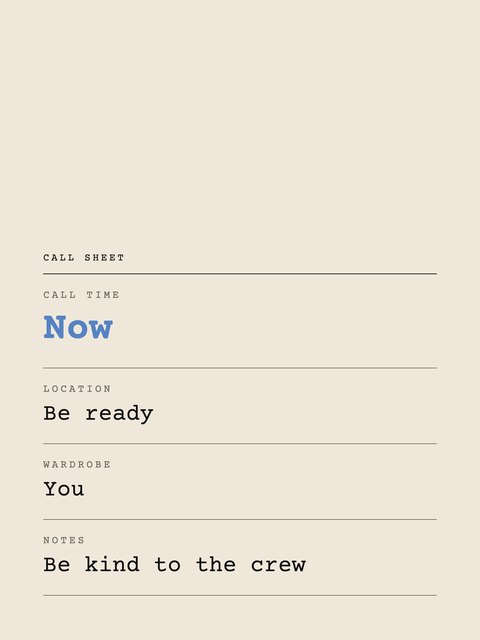
Wallpaper 04
Call sheet, ecru

Wallpaper 05
The rules

Wallpaper 06
You're booked

Wallpaper 07
Le Réveil, bleu

Wallpaper 08
Call Time, ecru

Wallpaper 09
Le Réveil, ink

Wallpaper 10
Your call time is now

Wallpaper 11
Call sheet, ink

Wallpaper 12
Call Time, bleu
How to set itPhone · Tablet · Laptop
- iPhone and iPad: open the image in Photos, tap Share, then Use as Wallpaper. Pinch to position it, then tap Add.
- Android: open the image in Photos or Gallery, tap the three dots, then Set as wallpaper. Menus vary by phone.
- Mac: right-click the image in Finder and choose Set Desktop Picture.
- Windows: right-click the image and choose Set as desktop background.